
How to Use a Text-to-Speech Reader?
Text-to-Speech Applications
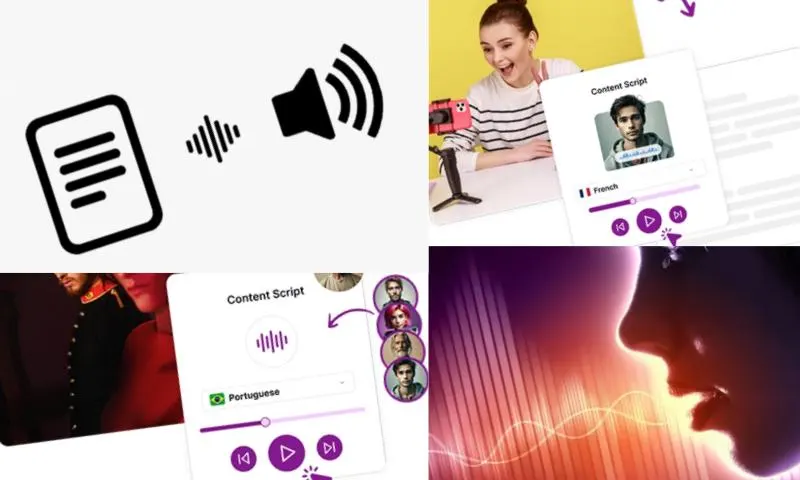
With the advancement of technology, text-to-speech readers have rapidly integrated into our lives. You can visit https://speaktor.com/tr/ for more information about text-to-speech readers. In the first step, you need to choose a text-to-speech application or program suitable for your needs. These software, downloaded to your computer, tablet, or smartphone, are generally user-friendly due to their simple interfaces. After opening the application, you can either directly paste the text you want to read or upload it as a file. Then, with a single click, the text starts to be read aloud.
Who Can Benefit from a Text-to-Speech Application and In Which Areas Is It Used?
When answering the question of how to use a text-to-speech reader, it is also necessary to mention which applications can be preferred. Popular applications such as “Google Text-to-Speech”, “Speech Central”, and “Voice Aloud Reader” are available for Android and iOS devices. For computer users, options like “Balabolka”, “Natural Reader”, and “Kurzweil 3000” stand out. Most of these applications are free, but some offer paid versions for advanced features. The user can adjust the reading speed, change the voice tone, and even switch between different languages. It offers a very flexible usage opportunity according to personal preferences. Text-to-speech readers appeal to many users, especially students, visually impaired individuals, busy professionals, and those learning foreign languages. It provides great convenience, especially for students doing academic work or individuals who have difficulty reading. It is possible to access content without tiring your eyes while reading long documents or books. It is also ideal for those who want to listen to texts while driving, cooking, or walking. The answer to the question of how to use a text-to-speech reader becomes even more important with this practicality and versatility.